Open the Global Skins Folder
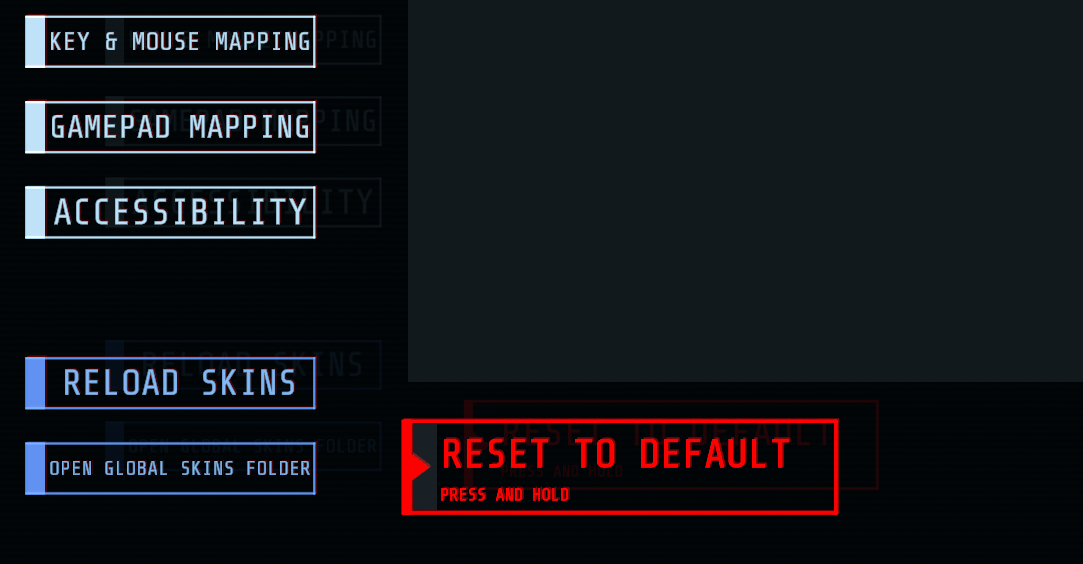
Navigate to settings while in-game with Skins installed and click on the Open Global Skins Folder button.
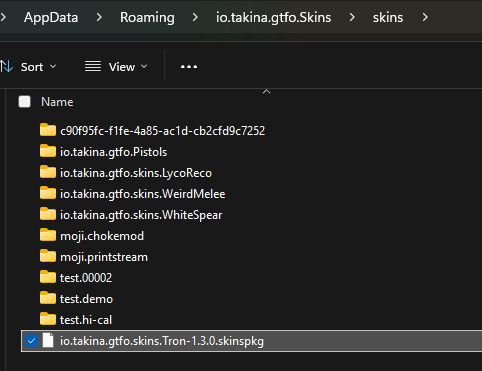
Drag your .skinspkg packages into the Global Skins Folder
Place the .skinspkg packages that you want to install directly under the folder that was just opened.
Reload Skins
Now hit the Reload Skins button to install and reload the skins in-game.