Switch skins is trivial and can be done in the lobby loadout screen. You can only changes skins used for the gear that you have currently equipped.
Select the gear
Choose your loadout. These will also be the gears you will be able to change skins for.
Click on the “Skins” button
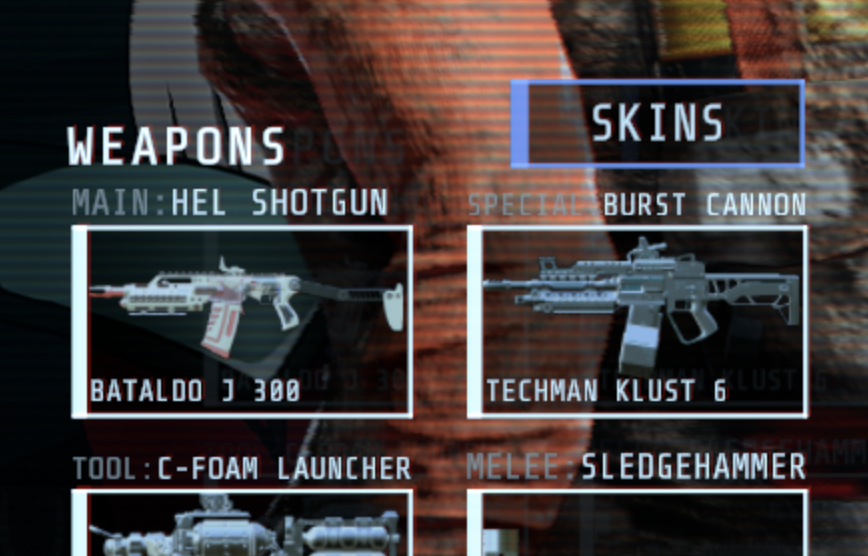
The Skins icon button will open up a UI for you to select skins for your current loadout.
Set a skin active
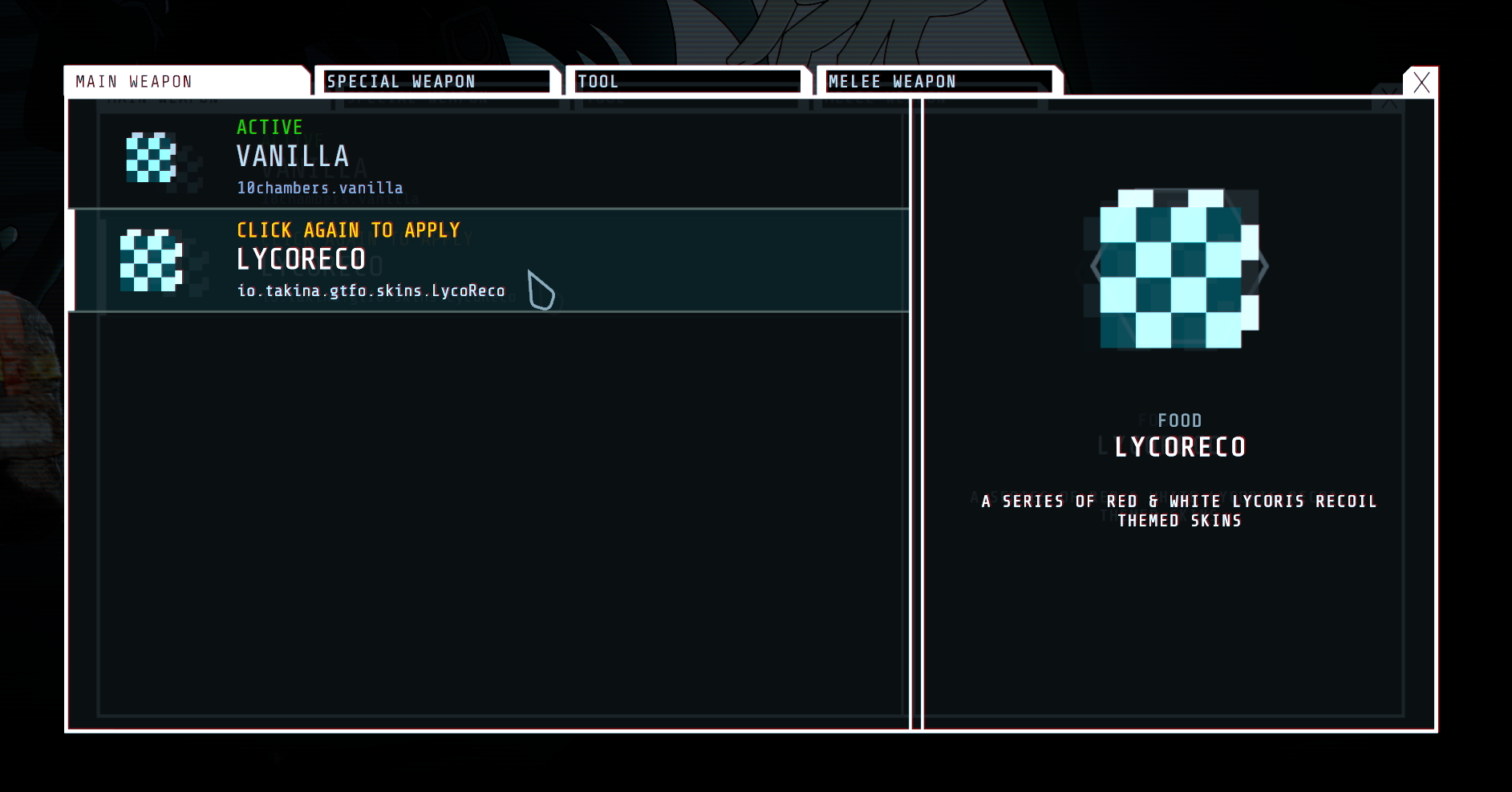
By default, the vanilla skin will be selected. If you see any other skins available, click on them twice to set them as active.
Done
The skin should now be active. You can switch the skins while in-level as well — just follow the same process.